
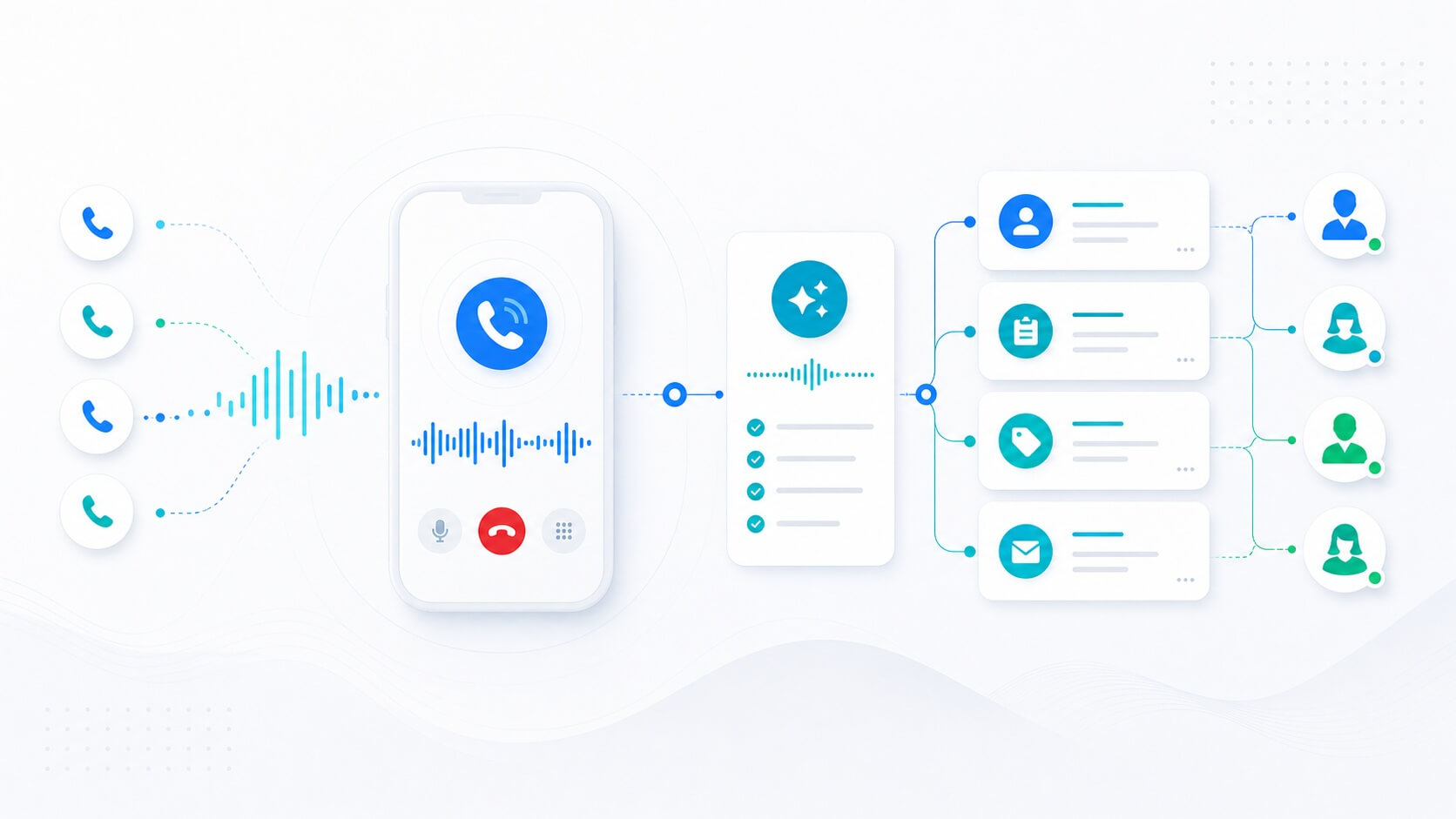
Today, users expect answers immediately. They do not want to wait hours for an email reply, and they do not want to search for a contact form that may never be reviewed. That is exactly why chatbots are becoming one of the most important tools of modern business communication.
Still, many people imagine a chatbot as nothing more than a small box in the corner of a website that answers a few simple questions. In reality, a modern AI chatbot can be much more than that. It can become a sales assistant, a customer support channel, a lead capture tool, and an important part of business automation.
If you have ever wondered what the development of this kind of system actually looks like, this article walks through the key steps and shows how a chatbot moves from a simple idea to a real business application.
What is a chatbot application?
A chatbot application is a software solution that enables automated communication with website visitors or users of a digital platform.
Unlike simple chat widgets that rely on predefined answers, a modern chatbot application uses artificial intelligence to hold a more natural conversation and provide relevant information in real time.
A real chatbot is not only a place where someone types messages. It is a system that combines user interface, business rules, a database, administration, AI models, and integrations. In other words, a chatbot combines user experience, business logic, and artificial intelligence.
Why build a chatbot as an application instead of only a widget?
Many businesses start with a simple chat window, but they quickly realize they need much more control.
When a chatbot becomes an application, the business owner gains the ability to change the bot's visual style, adjust the communication tone, review conversations, capture leads, manage multiple chatbots from one system, and connect the chatbot with a CRM or other business tools.
The greatest advantage of this approach is room for growth. Today, the chatbot may answer customer questions. Tomorrow, it may schedule meetings, generate offers, or support the sales team.
What does a chatbot application include?
For a chatbot to work reliably and professionally, it needs several important layers.
Frontend widget
This is the part the user sees on the website. It must make communication simple, clear, fast, and mobile-friendly.
Admin panel
The admin panel allows the site owner to manage the chatbot without depending on a developer for every change. It is where prompts, API keys, appearance settings, and behavior rules are configured.
Backend system
The backend processes user messages, sends them to the AI model, returns answers to the chat interface, and manages authentication, logging, and communication with the database.
Database
The database stores messages, bot responses, application settings, user data, and collected inquiries.
AI integration
This is the layer that gives the chatbot intelligence. By connecting to advanced AI models, the system can understand questions and generate answers that are not manually predefined.
Hosting and production
At the end, the application must be deployed to a server so it is available to users 24 hours a day. Only when all of these parts work together does the chatbot become a serious business solution.
What does the development process look like?
Building a chatbot application does not start with code. The first step is defining the goal.
1. Define the purpose
You need to answer a few practical questions:
- Is the chatbot meant for support?
- Does it capture leads?
- Does it inform users?
- Does it support sales?
A clearly defined goal makes every next step easier.
2. Define the audience
It is not the same if the chatbot talks to real estate buyers, clinic patients, or visitors of an online store. The tone of communication and the response style must match the target audience.
3. Design the conversation logic
This is where you define the communication style, response length, calls to action, links, and the way the chatbot guides the user through the conversation.
4. Build the admin panel
The business owner needs a way to manage the system independently. That is why the admin panel is one of the most important parts of the entire application.
5. Integrate the AI model
At this stage, the chatbot gains the ability to answer intelligently and lead a useful conversation.
6. Test the system
Before launch, it is important to verify login, all key features, mobile behavior, loading speed, and the quality of AI responses.
If you want to see what this kind of system looks like in practice, the video below walks through the actual build process of a chatbot application and shows how the main parts connect into one product.
That perspective is useful because it shows clearly that a chatbot is not only a message box. It is a combination of interface, logic, administration, data handling, and AI responses that all need to work together reliably.
Where are chatbot applications used most often?
Today, almost every industry can benefit from chatbot technology.
Real estate
Chatbots can answer questions about properties, locations, prices, and viewing appointments.
Law firms and consultants
They can collect the key information before the first human contact and save time for the team.
Clinics and salons
Users can receive information about services and available appointments.
E-commerce
Chatbots can help with product selection, delivery, complaints, and order tracking.
Property management
They can answer common resident questions and guide people toward the right service or issue report.
Education platforms
They can guide users through training programs and explain available courses.
The second video adds a more practical angle and helps illustrate how this kind of system can be shaped for real business scenarios and different types of websites.
The biggest advantages of a chatbot application
When it is implemented properly, a chatbot application brings several practical benefits:
- 24/7 availability
- Faster responses for users
- More collected inquiries
- Less pressure on support teams
- More consistent communication
- Simpler scaling
- Continuous improvement through conversation analysis
The greatest value of a chatbot is not that it can talk to users. The real value is that it guides them toward the next step: a purchase, a meeting, an inquiry, or direct contact with the business.
Real limitations of chatbots
Even though AI chatbots are highly useful, it is important to keep realistic expectations.
A chatbot is not a replacement for every human conversation. If it is not configured well, it can provide inaccurate answers, misunderstand users, and create a poor customer experience.
Artificial intelligence cannot solve weak business logic on its own. It can improve a good system, but it cannot replace a clear strategy and a strong operating process.
When is a chatbot ready for real production use?
A chatbot is ready for production when it has a working login system, a solid admin panel, database storage, reliable communication with the AI model, stable performance on the website, simple management, and successful testing across desktop and mobile devices.
Only then does it become a tool that can support users every day and create real business value.
A chatbot application is no longer just an interesting add-on for a website. It is becoming a digital assistant that works continuously, communicates with visitors, collects valuable information, and helps a business become faster, more available, and more efficient.
As artificial intelligence continues to evolve, chatbots will play an even bigger role in sales, support, and business process automation. That is exactly why now is the right moment to think seriously about implementation and use the advantages these systems can bring to modern business.